

Coming soon
Music Video Maker
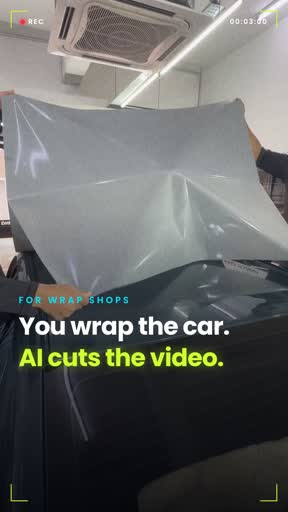
Add your pictures and your song. AI makes a clip for every beat and builds your music video on the timeline.
Coming soon
AI video creation + a real timeline editor
Turn photos into video clips, write the script, build a music video. Then cut, caption, score and export it in a full editor that runs in your browser. Start free.
Why ReelZero
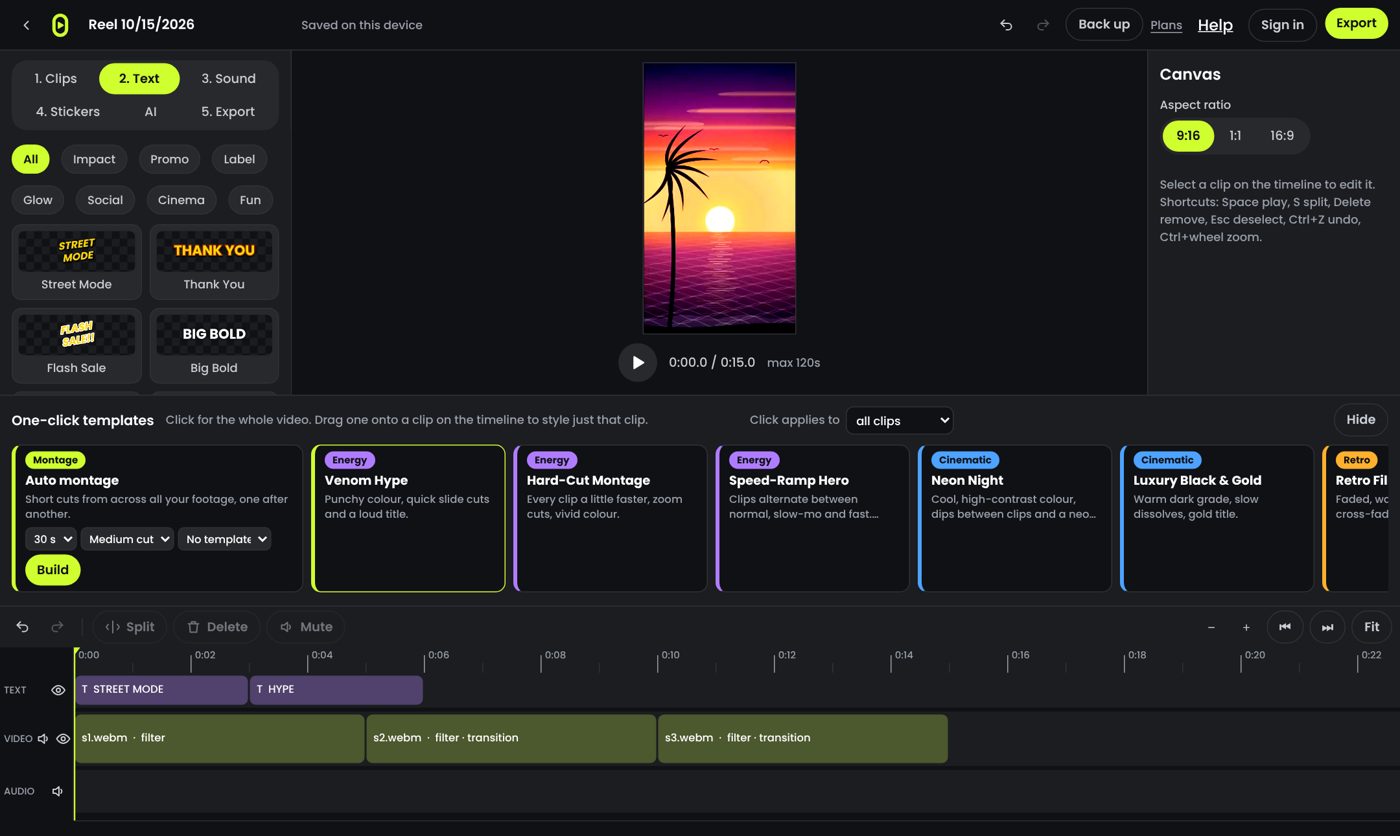
Most AI video tools hand you one clip and stop. A real reel needs cuts, captions, music, transitions and a finish. ReelZero gives you both in one place.
The editor
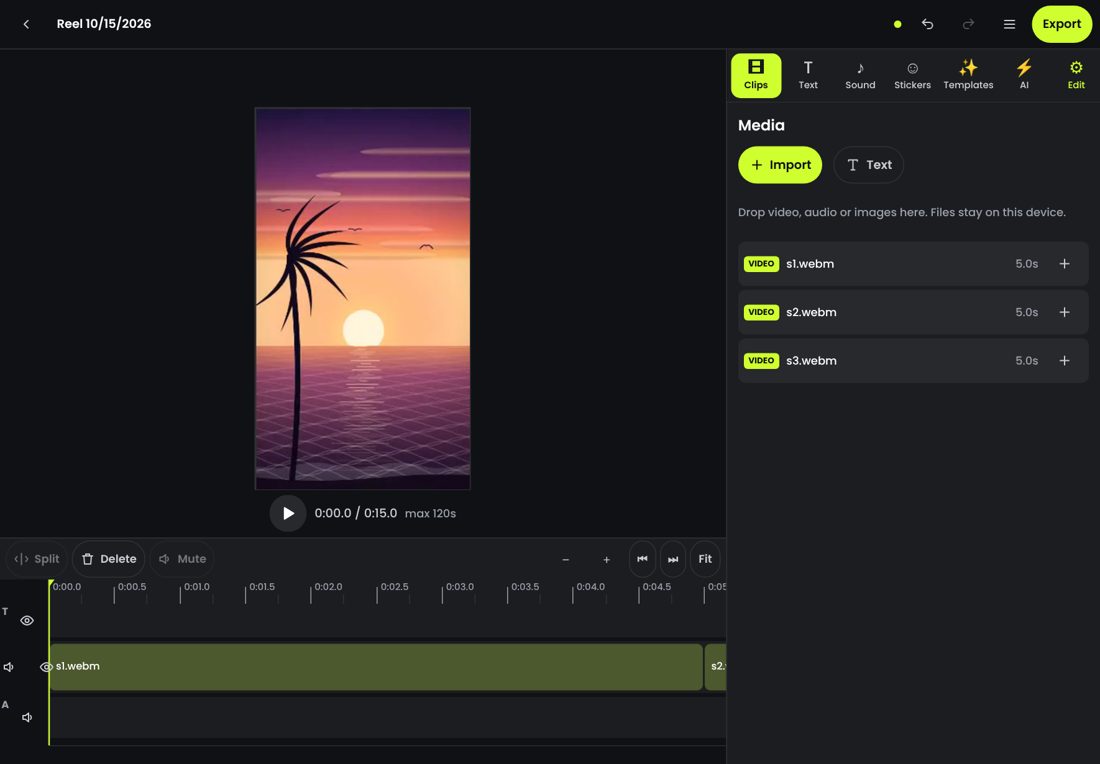
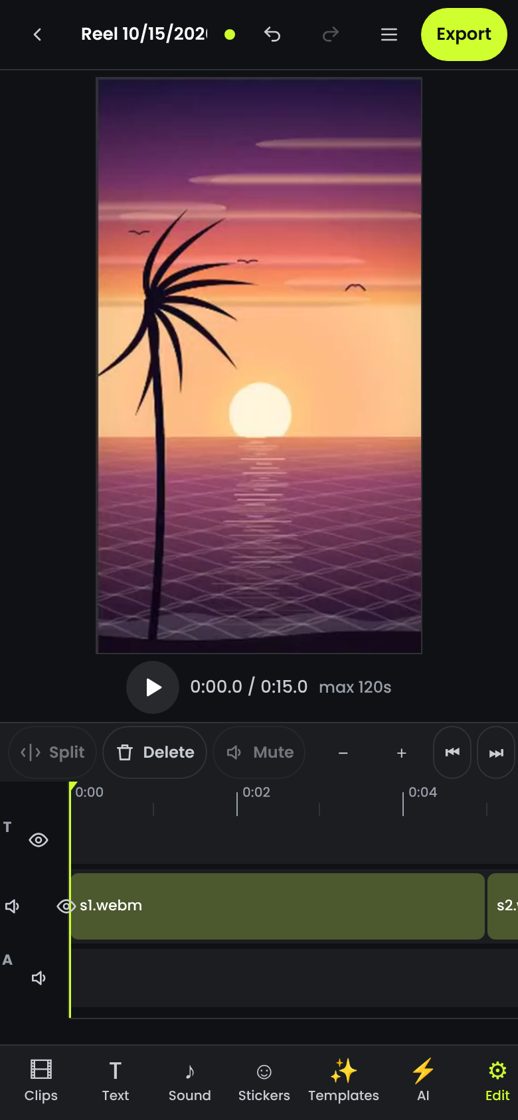
Nothing to install. Edit on a phone, a tablet or a computer. Your clips and photos stay on your device while you edit and export.
AI tools
Every AI tool puts its result straight onto your timeline, so you can keep editing. You see the price in credits before anything runs, and a failed task gives the credits back.
Add your pictures and your song. AI makes a clip for every beat and builds your music video on the timeline.
Coming soon
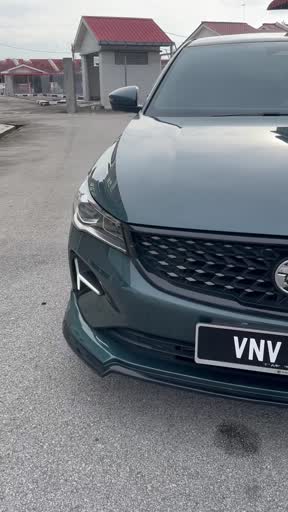
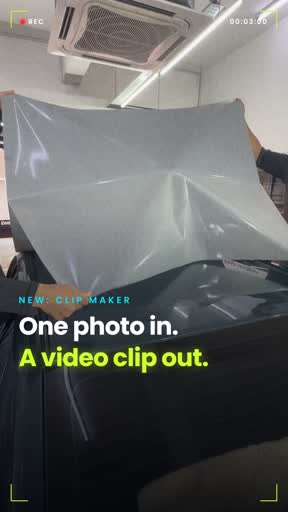
One photo in, a video clip out. Pick a style or describe your own.
CreditsDescribe the video. The director cuts your clips into scenes with titles, looks and a soundtrack, then keeps up as you edit.
Plus & Pro · creditsYour own photo and a voiceover become a clip that talks to camera.
CreditsStuck on what to say? Get a hook, a script and captions in seconds, in your language.
Plus & Pro · creditsAI voices for your voiceover, a music catalog and a library of sound effects, all on the timeline.
Free · more with PlusAuto captions, background cutout, sound clean-up and sharpening run on your own device.
Plus & ProMade with ReelZero
Product reels, shop ads, AI shorts and music videos. Start from a ready-made template or a blank timeline.
ReelZero is an independent editor. Facebook, YouTube, Instagram and TikTok are trademarks of their owners.
Creator Studio
Pro members can apply to sell templates. Creator Studio is the one place to build them, deliver them and grow your audience.
See what is selling, what is waiting for review and how much you have earned, all in one dashboard.
Make a template on the same timeline you already use, save versions, set your price and submit it for review.
Buyers get your template in their library with one-click updates. Files go out on expiring links checked against ownership.
Get a public creator page and a link to share, so people can find your templates and follow your work.
Creator Studio is for approved Pro creators. Earnings are paid as credits.
A photo, a song, a topic, or a ready-made template.
Clips, script, voice and music, each priced up front in credits.
Cut, caption, add transitions and filters, and make it yours.
Render on your own device and share it to Reels, Shorts and TikTok.
Plans and credits
Start with the full editor today. Move up for sharper exports with no watermark, premium effects and music, and AI tools that run on credits.
Credits pay for AI tools. You always see the most a task can cost before it runs, and a failed task gives your credits back.
Generators give you a clip. ReelZero gives you a clip and the editor to finish it: every AI result lands on a multi-track timeline where you can trim, caption, add music and transitions, and export one finished reel.
No. Editing and exporting happen on your own device, so your clips and photos stay with you. Only the optional cloud AI tools send text, such as a topic for the script writer, and only after you agree.
Yes. The Free plan has the full editor with 720p exports and a small ReelZero watermark. You need a free account to export. Plus and Pro remove the watermark and unlock more effects, music and AI tools.
A recent browser on a phone, tablet or computer. There is nothing to download, and you can add it to your home screen if you like.
Yes. You can manage or cancel your plan from your account at any time.
Tap the Help button in the corner and ask. It answers from our help articles and can pass you to a person.
The people and technology behind ReelZero.
 Claudeby Anthropic. AI Director, AI Video Script Writer and support chat.
 GoogleAI clips, photo to video.
 ElevenLabsAI voices for your voiceovers.
 Shahab Technology ServicesMakers and operators of ReelZero.
 GlennZero AVPAudio and video, brand and music.
Claude, Google and ElevenLabs names and logos belong to their owners and are shown only to credit the technology.